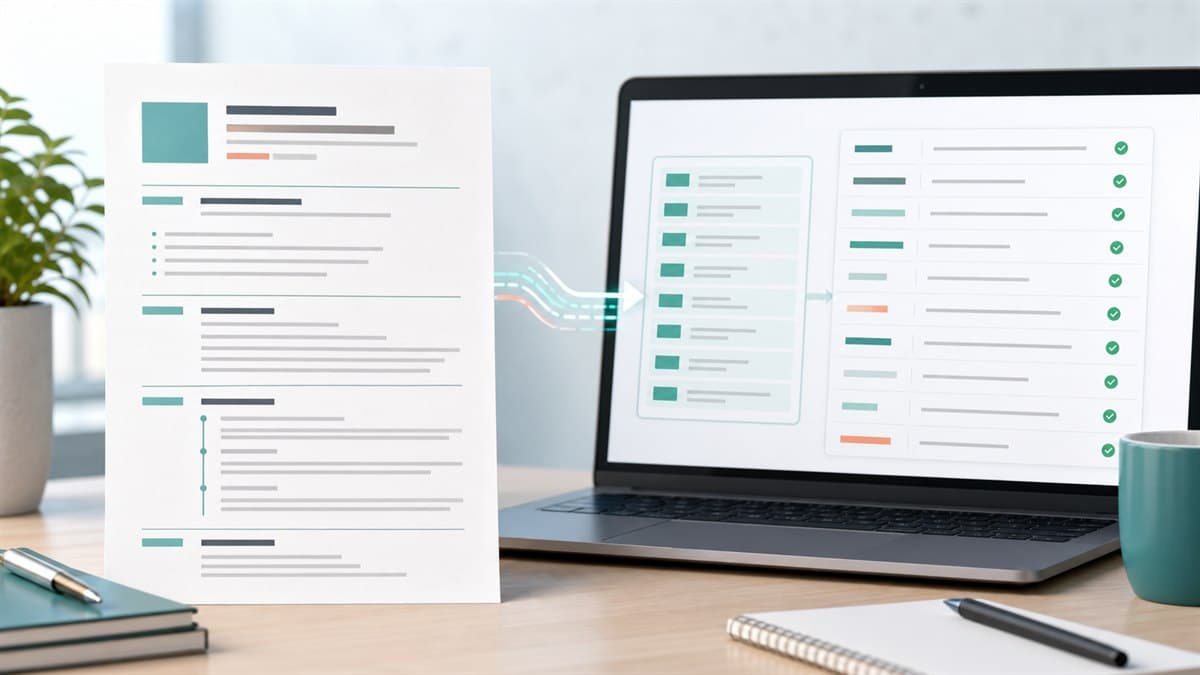
The best resume in the world can still fail if an Applicant Tracking System cannot read it. That is why an ATS-friendly resume format matters just as much as keywords, achievements, and experience.
Most job seekers focus on what their resume says. ATS software first cares whether it can parse the document at all: your name, roles, dates, skills, education, and contact details need to land in the right fields before keyword matching can work.
This guide explains the safest ATS resume format for 2026, how to adapt the same rules for a CV, and what to check before you submit.
The Best ATS-Friendly Resume Format
For most job seekers, the best ATS-friendly format is:
- Reverse chronological order
- Single-column layout
- Standard section headings
- Simple font at 10-12 pt
- Clear dates and job titles
- Skills section near the top
- DOCX unless the employer requests PDF
- No tables, text boxes, graphics, icons, or skill bars
That may sound plain, but plain is powerful. ATS systems are built to extract structured text, not admire design flourishes. Recruiters also prefer formats they can scan quickly.
If you are choosing between a beautiful resume and a readable resume, choose readable. A clean one-column resume with strong achievements will beat a creative layout that hides your qualifications from the parser.
Why Resume Format Matters for ATS
An ATS usually processes your resume in three stages:
- Parsing - It extracts text from the file.
- Categorizing - It assigns that text to fields like work experience, skills, education, and certifications.
- Matching - It compares your resume against the job description.
Formatting problems happen before matching. If your job titles are trapped inside a text box, your dates are split across columns, or your skills appear inside graphics, the system may miss information that a human can see.
That means a qualified candidate can appear underqualified because the software read the resume badly.
Use a Reverse Chronological Structure
The safest structure is reverse chronological: your most recent role first, followed by earlier roles.
Recommended order:
- Contact information
- Professional summary
- Core skills
- Work experience
- Education
- Certifications, projects, or additional sections
This order works because it matches how recruiters scan and how most ATS parsers expect resumes to be organized.
When to Use a Hybrid Format
A hybrid format can work if you are changing careers, returning after a gap, or moving into a role where transferable skills matter. Keep the layout ATS-safe:
- Add a short skills summary near the top
- Keep work experience in reverse chronological order
- Tie skills to real roles, projects, or outcomes
- Avoid hiding dates
Do not use a fully functional resume unless you have a specific reason. Functional resumes group skills without clear job history, which can confuse ATS parsing and make recruiters suspicious.
Single-Column Layout Is Safest
The most important ATS formatting rule is simple: use one column.
Multi-column resumes often look efficient, but ATS tools may read across the page in the wrong order. A two-column layout can turn this:
| Left column | Right column |
|---|---|
| Skills: Python, SQL, Tableau | Experience: Data Analyst, 2023-Present |
Into a jumbled sequence where skills and job history lose context.
Use one vertical reading path instead:
NAME
Contact details

PROFESSIONAL SUMMARY
...

SKILLS
...

WORK EXPERIENCE
...
Choose the Right File Type
The safest default is DOCX, especially when applying through older applicant tracking systems. Many modern systems read PDFs well, but DOCX is still the least risky option unless the application instructions say otherwise.
| File type | Best use | ATS risk |
|---|---|---|
| DOCX | Most online applications | Lowest |
| When requested or when preserving layout matters | Low if text-based | |
| TXT | Plain text application fields | Very low but limited design |
| Image PDF | Never for standard applications | Very high |
If you submit a PDF, make sure it is text-based. You should be able to select and copy the text. If the PDF is a scanned image, the ATS may not read it correctly.
Fonts, Margins, and Spacing
Use standard fonts that render cleanly across systems:
- Arial
- Calibri
- Times New Roman
- Georgia
- Helvetica
Recommended sizing:
- Name: 18-24 pt
- Section headings: 12-14 pt
- Body text: 10-12 pt
- Margins: 0.5-1 inch
- Line spacing: 1.0-1.15
Avoid script fonts, decorative fonts, narrow fonts, and excessive letter spacing. Your goal is readability on both a recruiter screen and a parsing system.
Use Standard Section Headings
ATS software uses headings to understand your resume structure. Creative labels can hurt you.
Use these:
| Safe heading | Avoid |
|---|---|
| Work Experience | Career Journey |
| Professional Experience | Where I Have Made Impact |
| Skills | Toolbox |
| Education | Academic Story |
| Certifications | Credentials and Badges |
| Projects | Things I Built |
Creative headings can be charming in a portfolio. On a resume, clarity wins.
What to Remove From an ATS Resume
Remove anything that can interfere with parsing:
- Tables used for layout
- Text boxes
- Header or footer contact details
- Icons next to phone, email, or LinkedIn
- Photos or headshots
- Skill bars
- Logos
- Infographics
- Columns
- Hidden text
- Unusual bullet characters
Do not put your phone number or email only in the document header or footer. Some ATS tools skip those areas, which means recruiters may receive your resume without usable contact details.
ATS-Friendly Contact Information
Put contact details as plain text at the top of the document.
Good format:
Jordan Lee
London, UK | jordan@email.com | +44 20 0000 0000
linkedin.com/in/jordanlee | github.com/jordanlee
Avoid:
- Icons instead of labels
- Embedded hyperlinks with no visible URL
- Full street address
- Multiple phone numbers
- Personal details not relevant to the market
For global applications, include city and country. If applying for remote roles, you can add a work authorization note when it is relevant.
ATS-Friendly CV Format Notes
If you are applying in the UK, EU, Australia, or other markets where "CV" is the common term, the same parsing rules apply. An ATS-friendly CV format should still be simple, structured, and keyword-aware.
Global CV notes:
- UK CVs can be two pages for experienced candidates.
- US resumes are usually one page for early-career candidates and one to two pages for experienced professionals.
- Academic CVs are different and may be longer.
- Do not include a photo unless it is standard in the target country and role.
- Avoid personal details that are not expected in the target market.
For international roles, match local terminology without sacrificing ATS readability. For example, "Professional Summary" and "Personal Profile" can both work, but "About Me" is less precise.
Keyword Placement Still Matters
Format gets your resume read. Keywords help it rank.
Place keywords in:
- Professional summary
- Skills section
- Work experience bullets
- Job titles when accurate
- Certifications
- Projects
For a deeper keyword strategy, read our resume keywords guide and ATS resume keywords guide.
The key is context. A skills list can show direct matches, but work experience proves you have used those skills.
ATS Resume Format Example
Here is a simple structure you can adapt:
NAME
City, Country | Email | Phone | LinkedIn | Portfolio

PROFESSIONAL SUMMARY
Role-focused summary with target title, years of experience, key skills,
industry context, and one measurable result.

SKILLS
Category: Skill, Skill, Skill
Category: Tool, Tool, Tool

WORK EXPERIENCE
Job Title
Company, Location | Month Year - Present
- Action verb + project/task + keyword + measurable result.
- Action verb + scope + tool/process + business outcome.

EDUCATION
Degree or qualification
Institution | Year

CERTIFICATIONS
Certification Name | Issuer | Year
ATS-Friendly Resume Checklist
Before submitting, check every item:
- Resume uses one column.
- Work experience is reverse chronological.
- Contact details are plain text.
- Section headings are standard.
- Body text is 10-12 pt.
- Font is common and readable.
- Dates are consistent.
- Bullet points include achievements, not only duties.
- Skills match the job description honestly.
- No tables, graphics, text boxes, icons, or skill bars.
- File is DOCX unless PDF is requested.
- PDF, if used, is text-based and selectable.
- Resume includes relevant keywords in context.
- CV or resume terminology matches the target market.
You can also run your resume through our ATS checker to catch formatting and keyword issues before you apply.
Skip the Manual Work – Let AutoTailor Handle It
Our Chrome extension automatically tailors your resume to match any job posting. Install it free and start landing more interviews.
Install AutoTailor Free →Common ATS Format Mistakes
Using a Designer Template
Many templates are made for visual impact, not parsing. If the template uses columns, icons, graphics, or tables, simplify it before applying.
Putting Skills Only in a Sidebar
Sidebars may parse out of order. Put core skills in the main body of the resume, near the top.
Hiding Dates
Some candidates remove dates to avoid age bias or employment gap questions. That can backfire. ATS systems and recruiters expect dates. Use years if appropriate, but do not make your timeline impossible to understand.
Overloading the Top Summary
Your summary should be short. Three to four lines are enough. Use it to position yourself, not to repeat your whole resume.
Saving a Resume as an Image
If your file is an image, ATS tools may not extract the text. Always submit a text-based document.
Key Takeaways
- The best ATS-friendly resume format is simple, single-column, and reverse chronological.
- DOCX is the safest file type unless the employer asks for PDF.
- Standard headings help ATS tools categorize your information correctly.
- Avoid tables, sidebars, text boxes, icons, photos, and skill bars.
- Use resume or CV terminology based on the target market, but keep the structure easy to parse.
- Format gets your resume read; keywords and achievements help it compete.
For more help, start with our ATS resume tips, then use AutoTailor to match your resume to each job description without rebuilding the format every time.